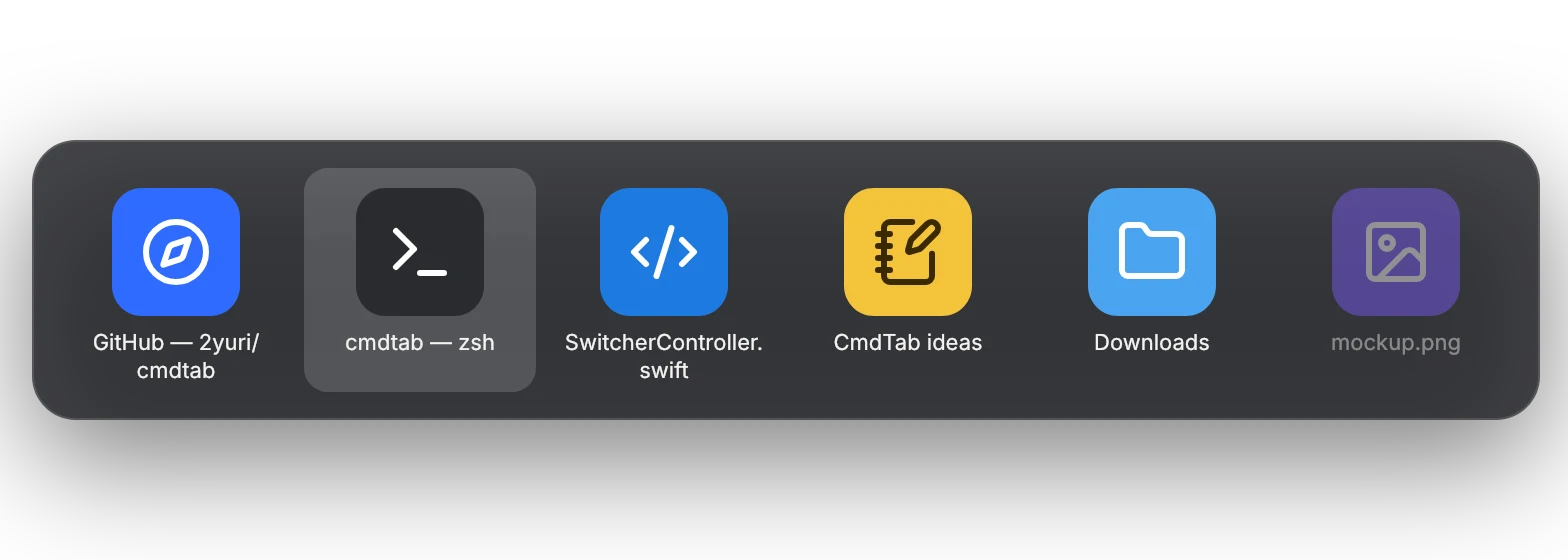
Windows, not apps
Every window gets its own tile with its title, so two Safari windows are two choices, not one.

CmdTab switches between windows, not apps, and only shows the ones on the desktop you're on. It idles at 0% CPU until you press the keys.
Free & open source · macOS 14+ · Signed & notarized
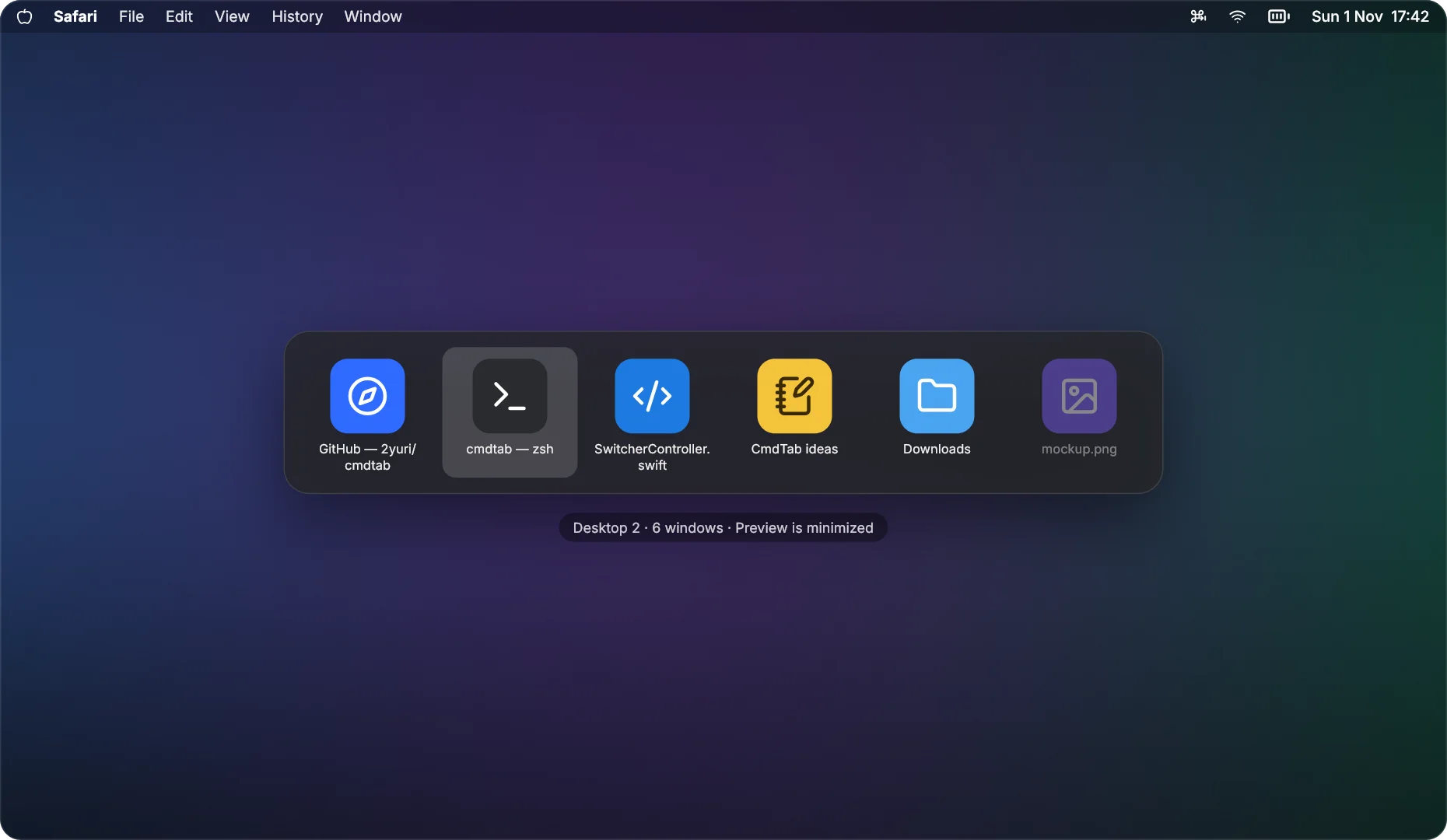
Hold ⌘ and tap ⇥. Let go to switch. Everything else stays out of your way.
Every window gets its own tile with its title, so two Safari windows are two choices, not one.
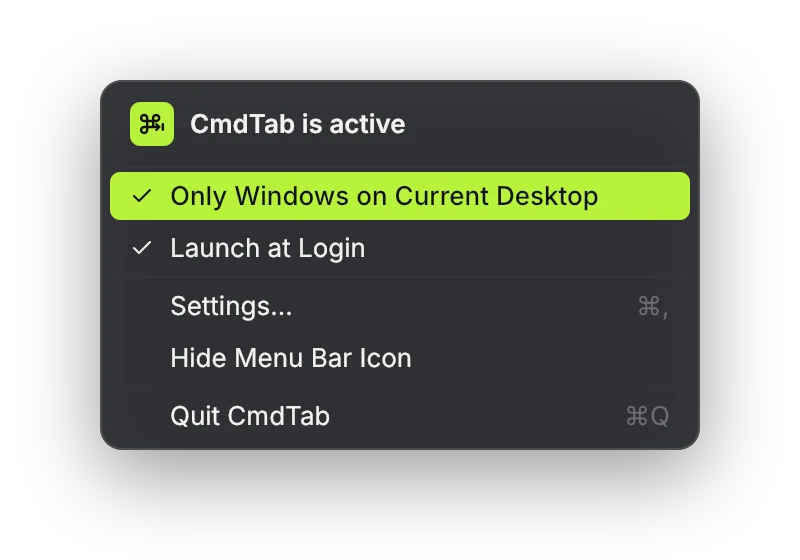
Only windows on the current desktop show up. Turn on All Desktops to see the rest, badged by desktop.
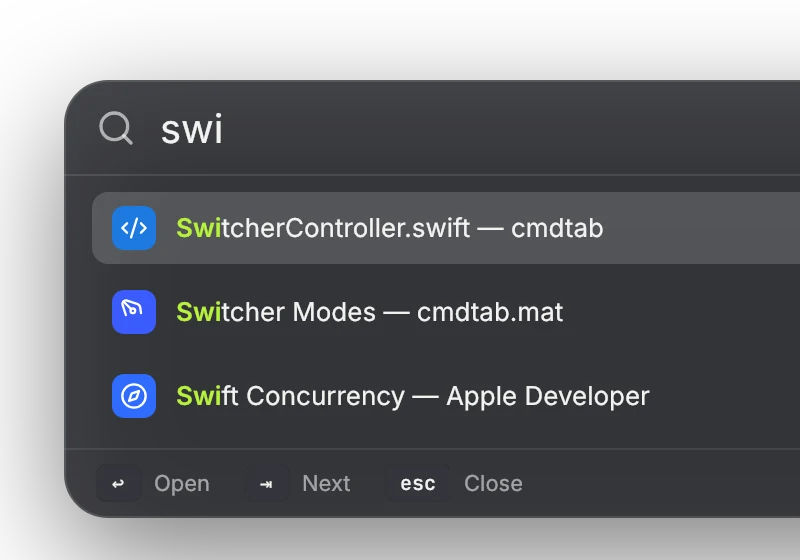
Press ⌘F while it's open and type. Matching titles light up; ↩ opens the window.
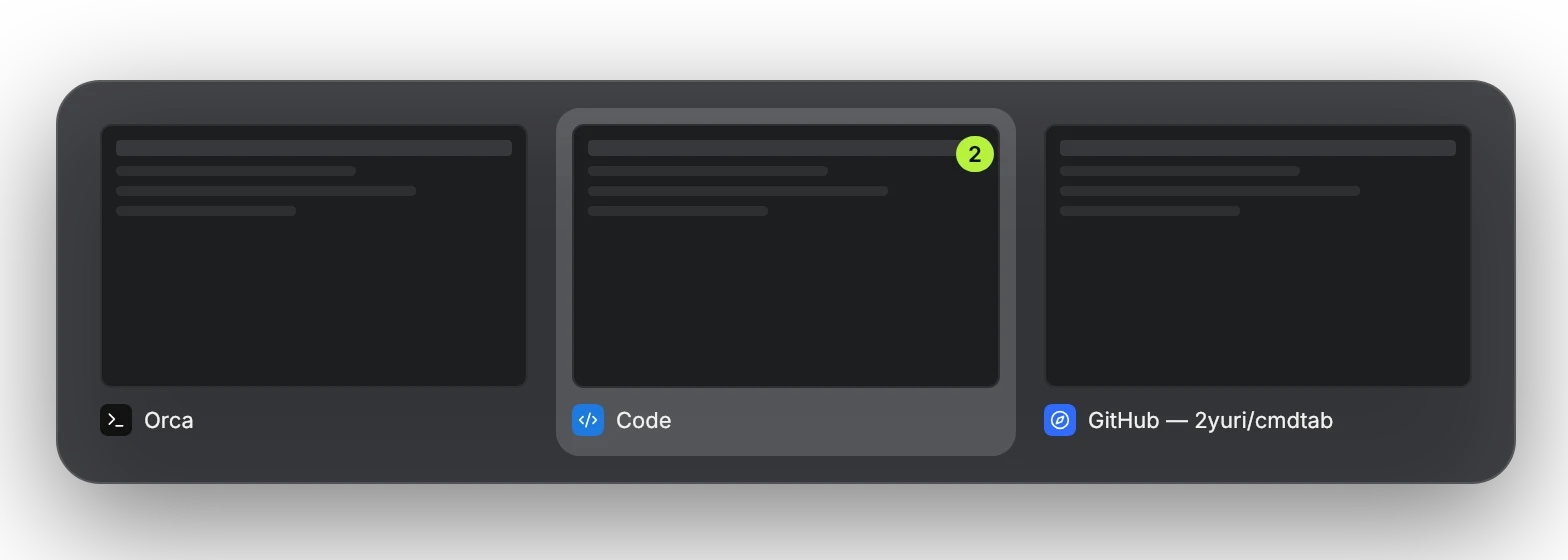
A snapshot of each window, taken only while the switcher is open. Needs Screen Recording; everything else works without it.
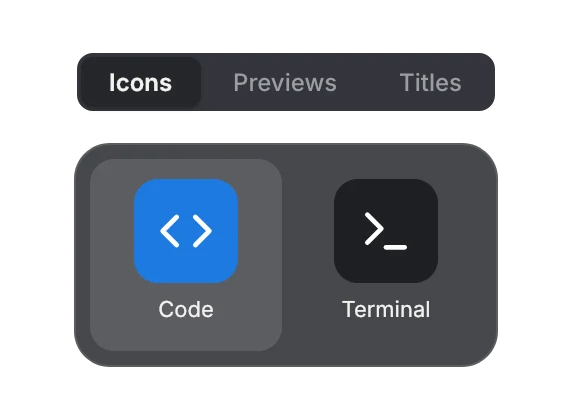
Icons, Previews or Titles. Pick the one that reads fastest for you.
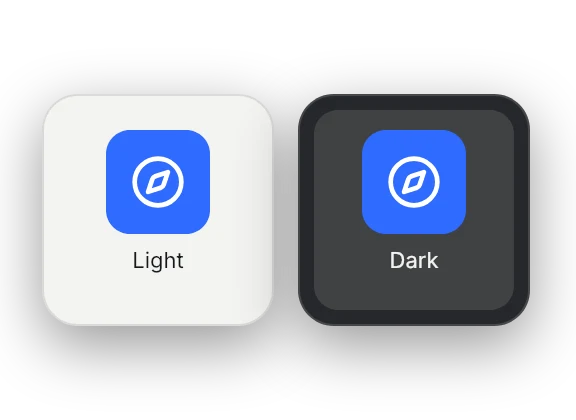
Follows your Mac's appearance, and goes solid when Reduce Transparency is on.
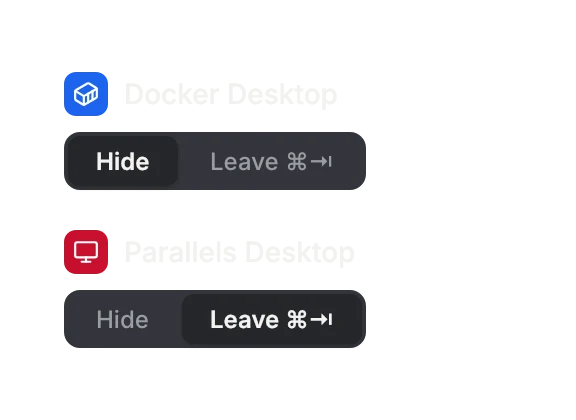
Hide an app from the switcher, or leave ⌘⇥ to it entirely.
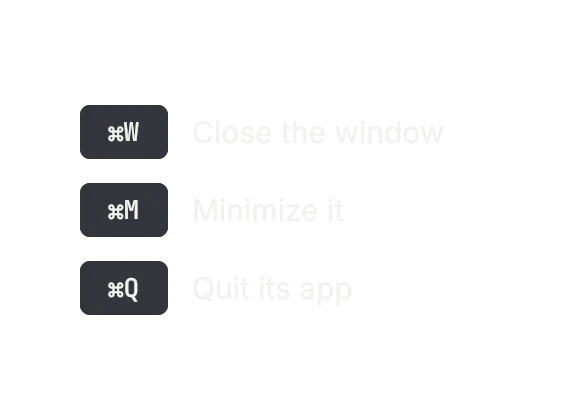
Tidy up from the switcher: it stays open while you close, minimize or quit.
Turn on Scroll Lock and every window becomes a full-height column. Off by default, and it stays out of the way until you turn it on.
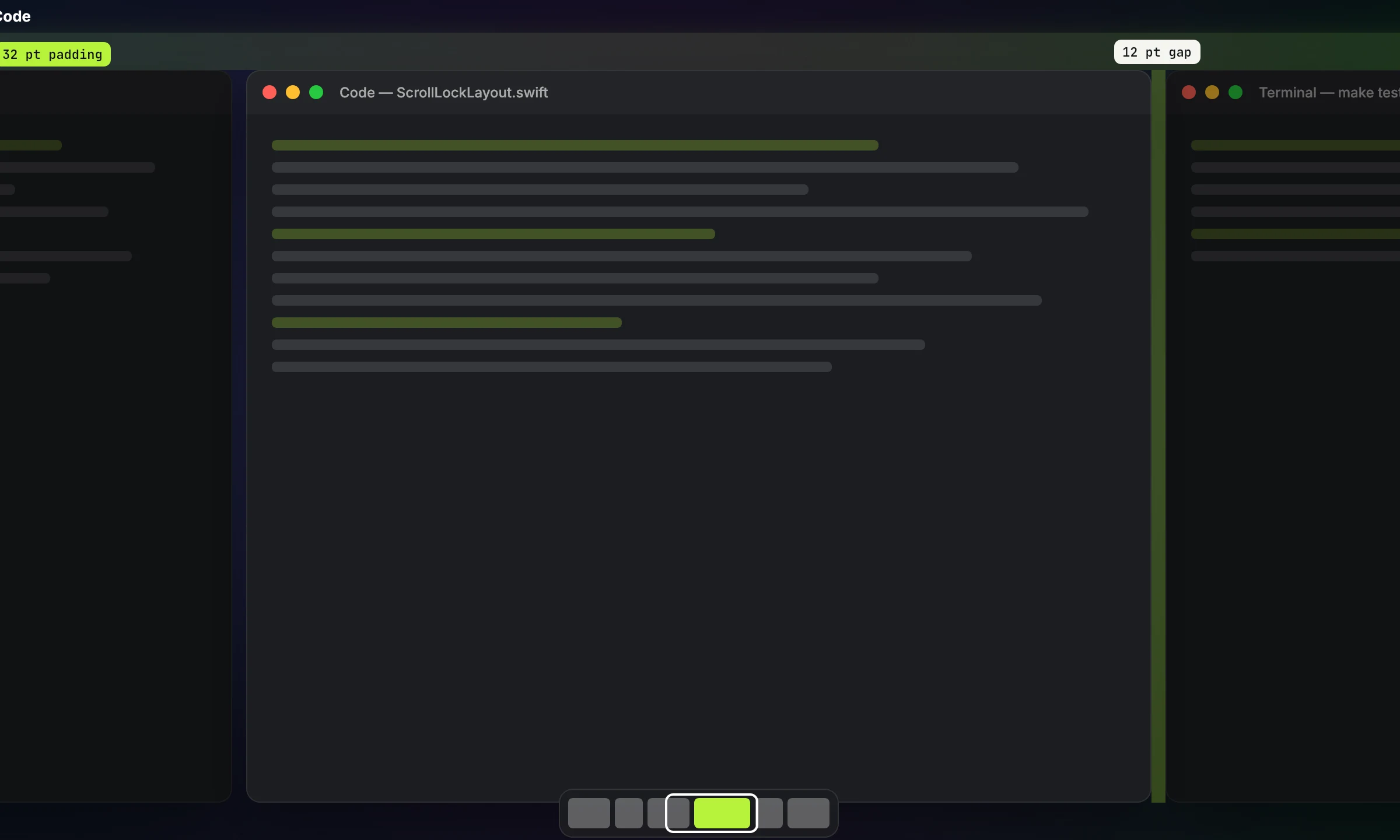
Windows sit side by side as full-height columns and the strip scrolls to the one you focus. A small map shows where you are. ⌃⌥← and ⌃⌥→ move focus; hold ⌃⌥ and scroll to slide the strip.
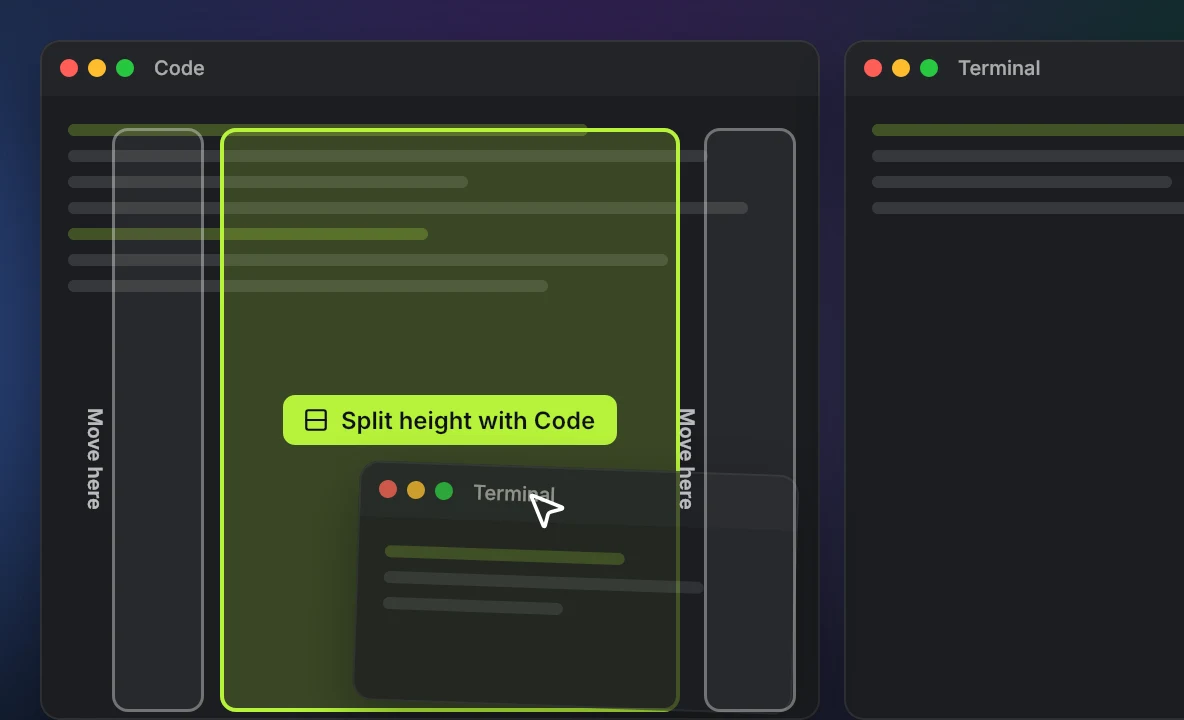
Drag a window onto the middle of a column and the two share its height. Drag to a column's edge to move it there instead.
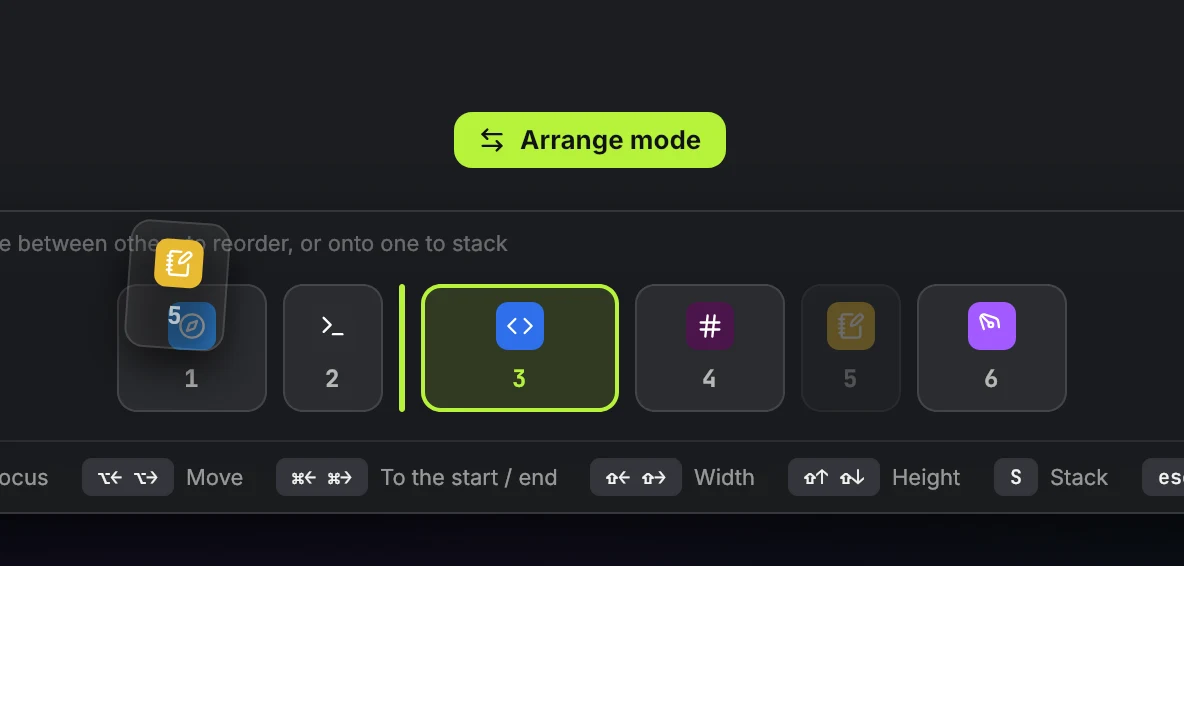
Rearrange everything from the keyboard: move columns, change widths and heights, stack and unstack. Esc when you're done.
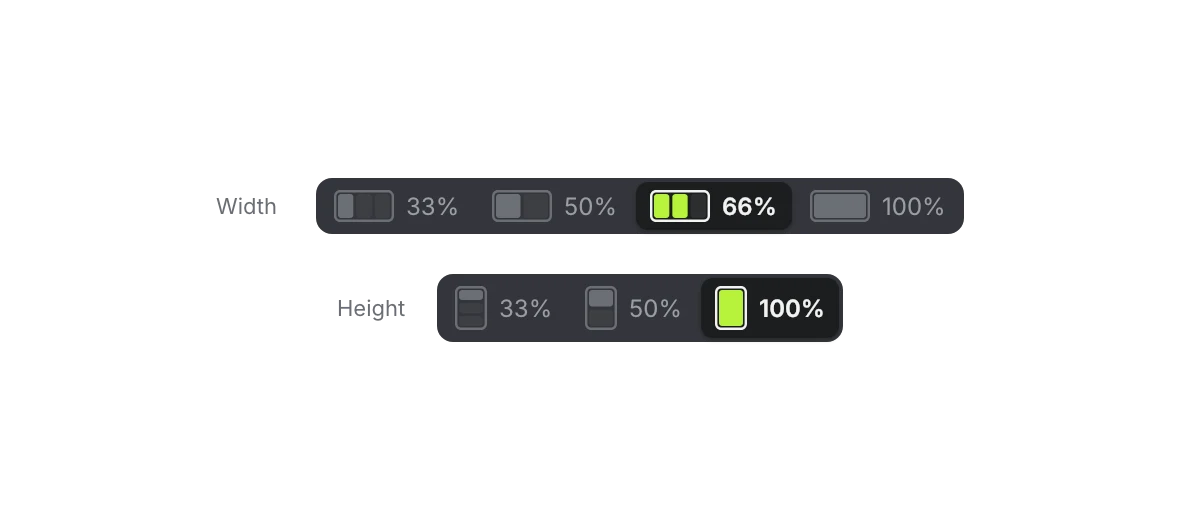
Each window keeps its own width, 33% to 100% of the screen, and its height in a stack. CmdTab remembers them per app.
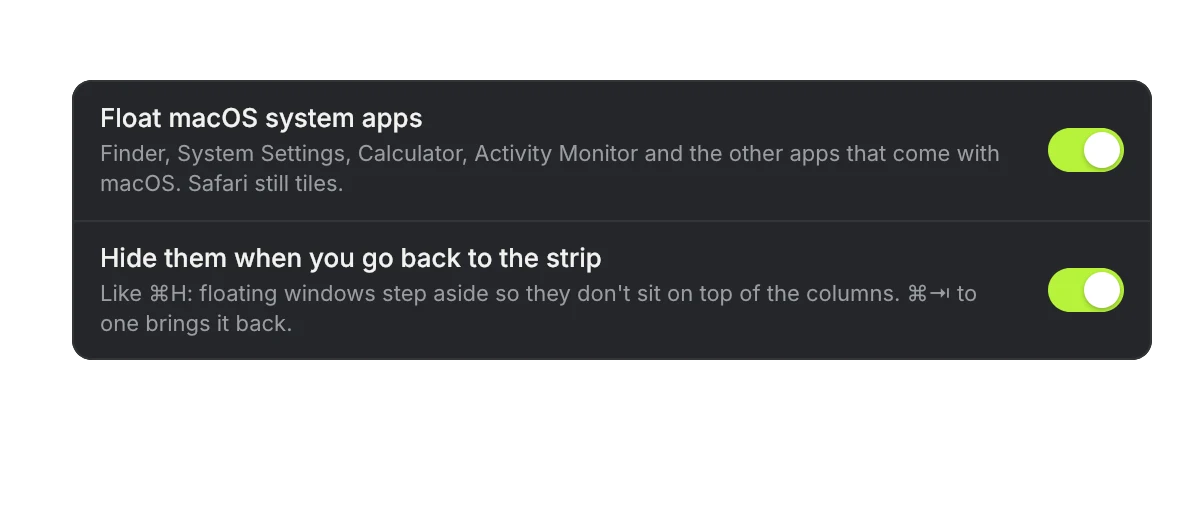
System apps and any app you pick never join the strip, and step aside when you go back to your columns.

One column, one window at a time, full height, the others peeking out behind. Switch with ⌃⌥↑ ⌃⌥↓ or a click on an edge; ⌘⇥ goes straight to any of them.
Agents, music, files, your day and a Pomodoro live in the notch. It stays the notch's size until something happens, and every module is off until you turn it on.
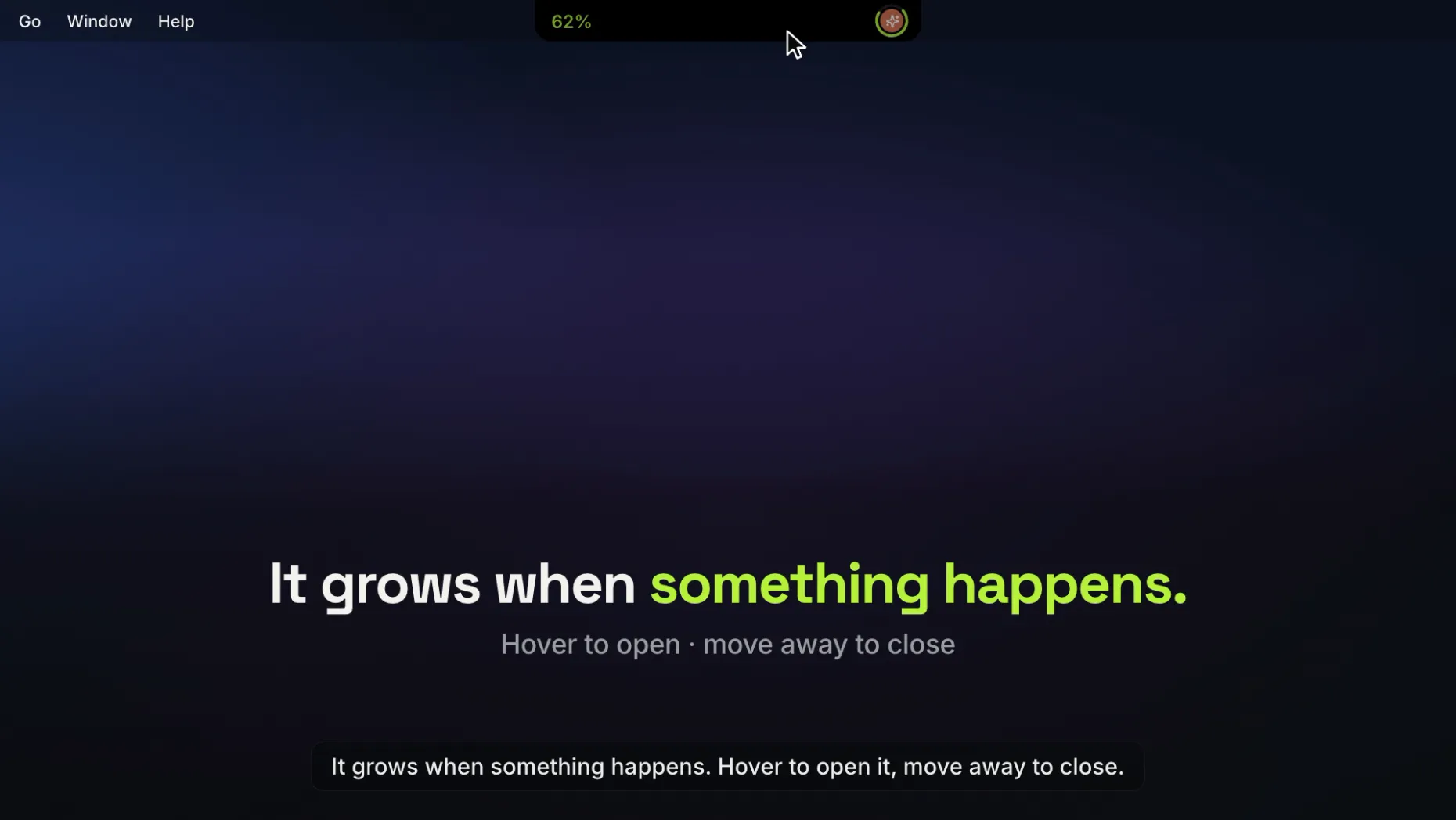
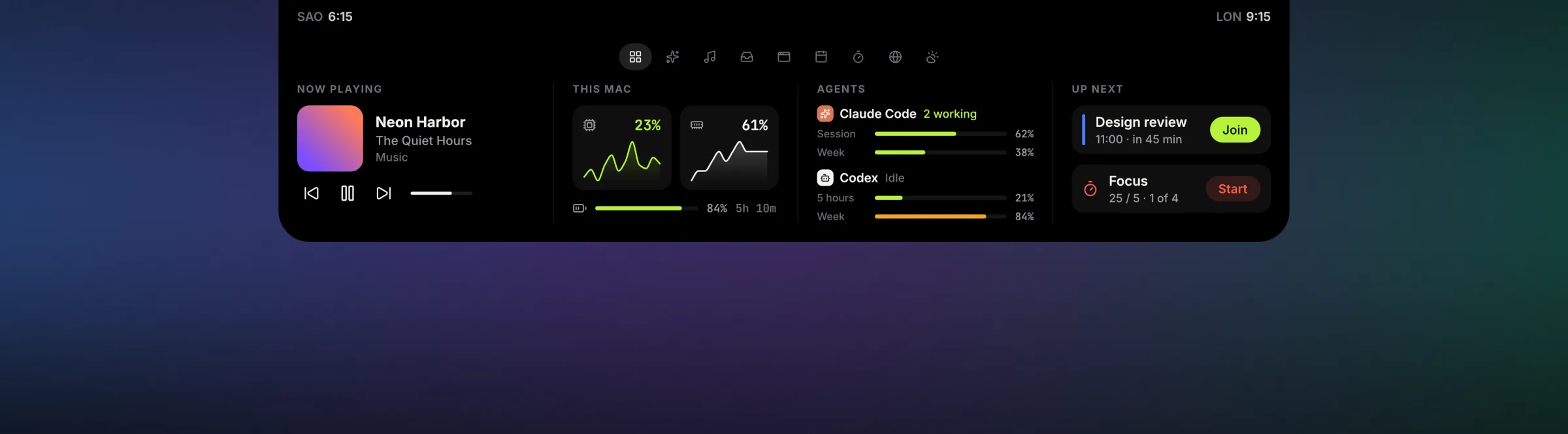
The first tab sums up the rest: what's playing, how your Mac is doing, what your agents have left and what's next. CPU and memory are read only while it's open.
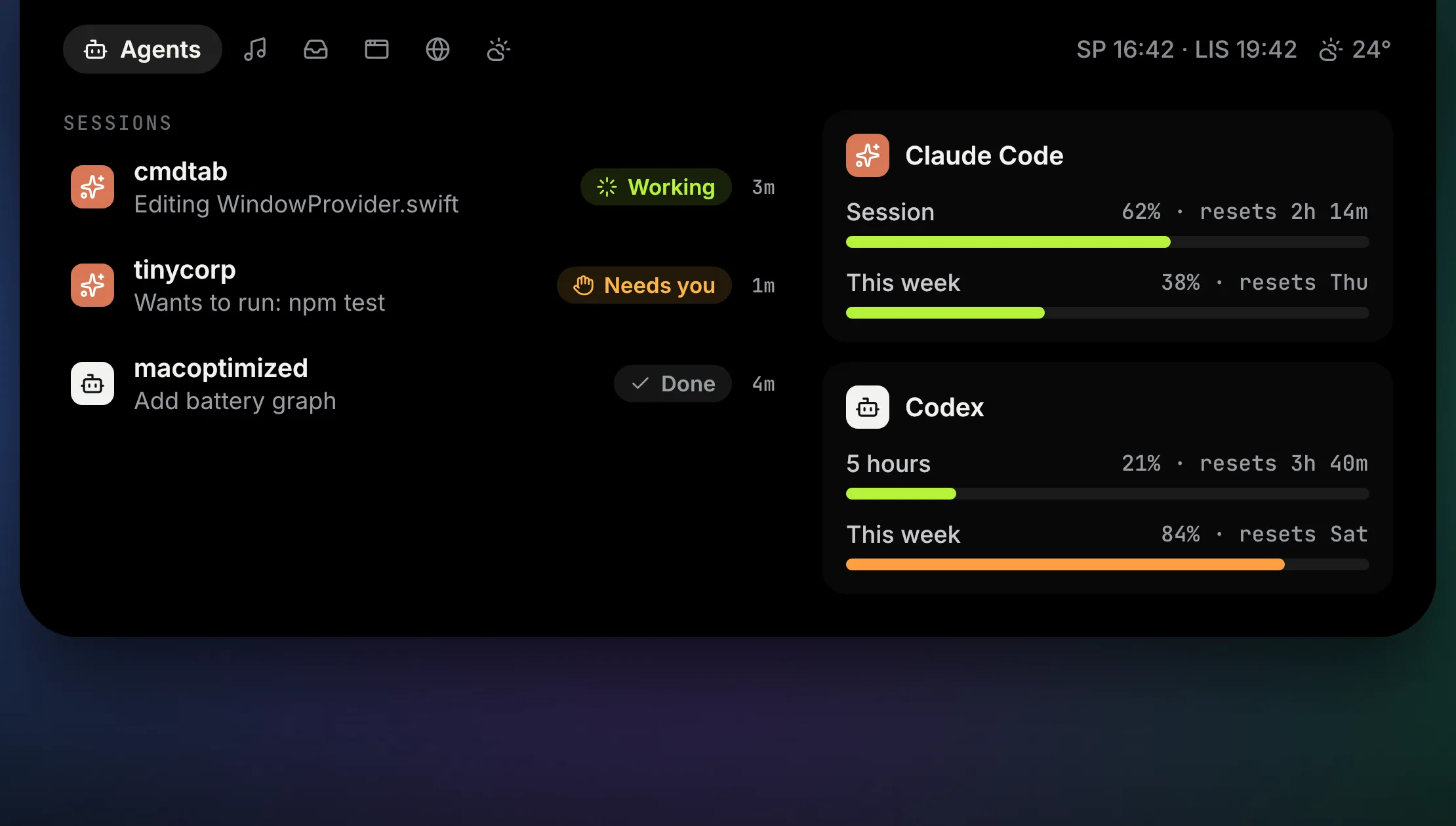
Every session at a glance: what each agent is doing, which one needs you, and how much of your limits is left. Click one to jump to its terminal.
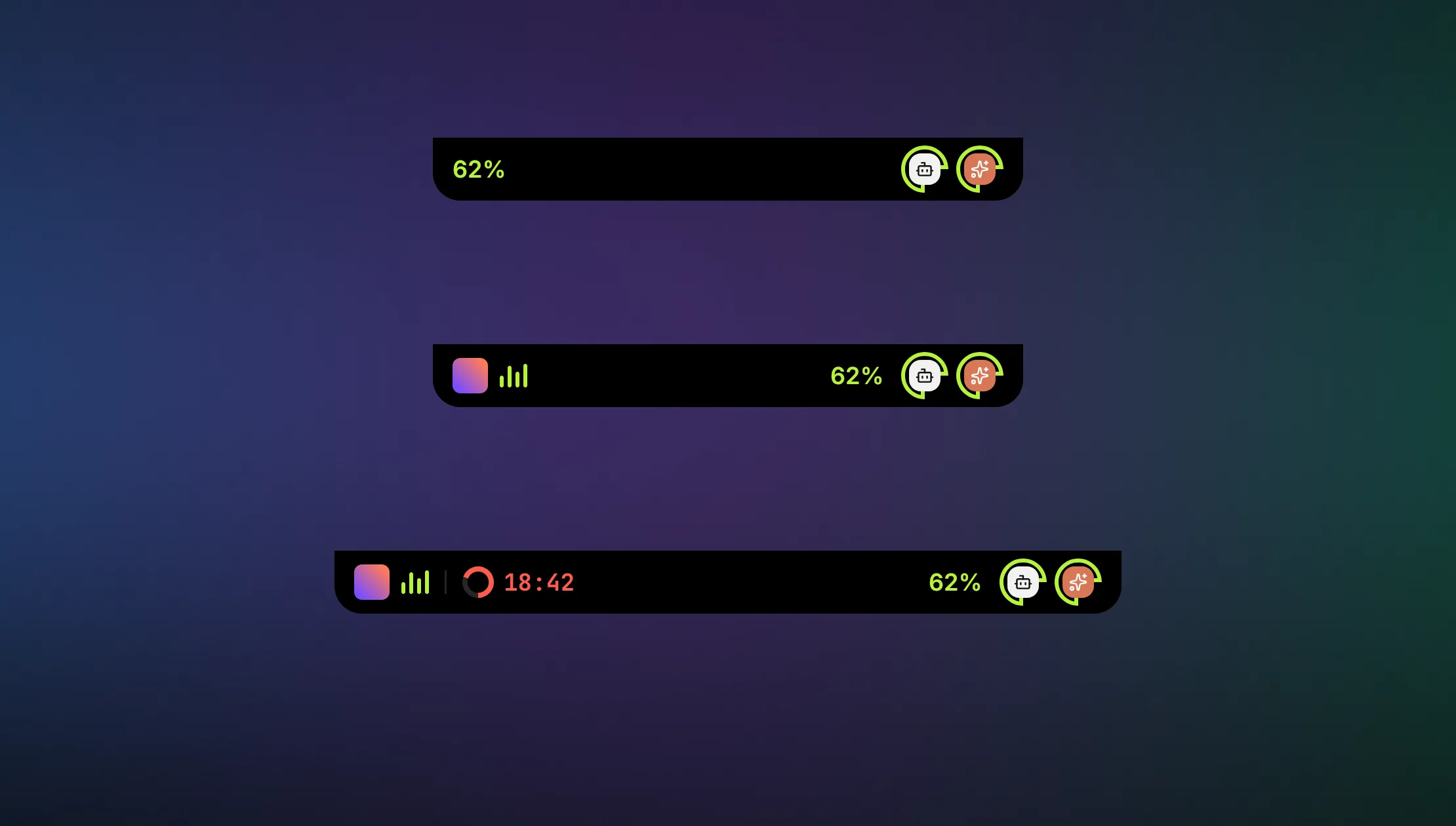
Your song and Pomodoro on the left, your agents on the right. The closed island widens just enough.
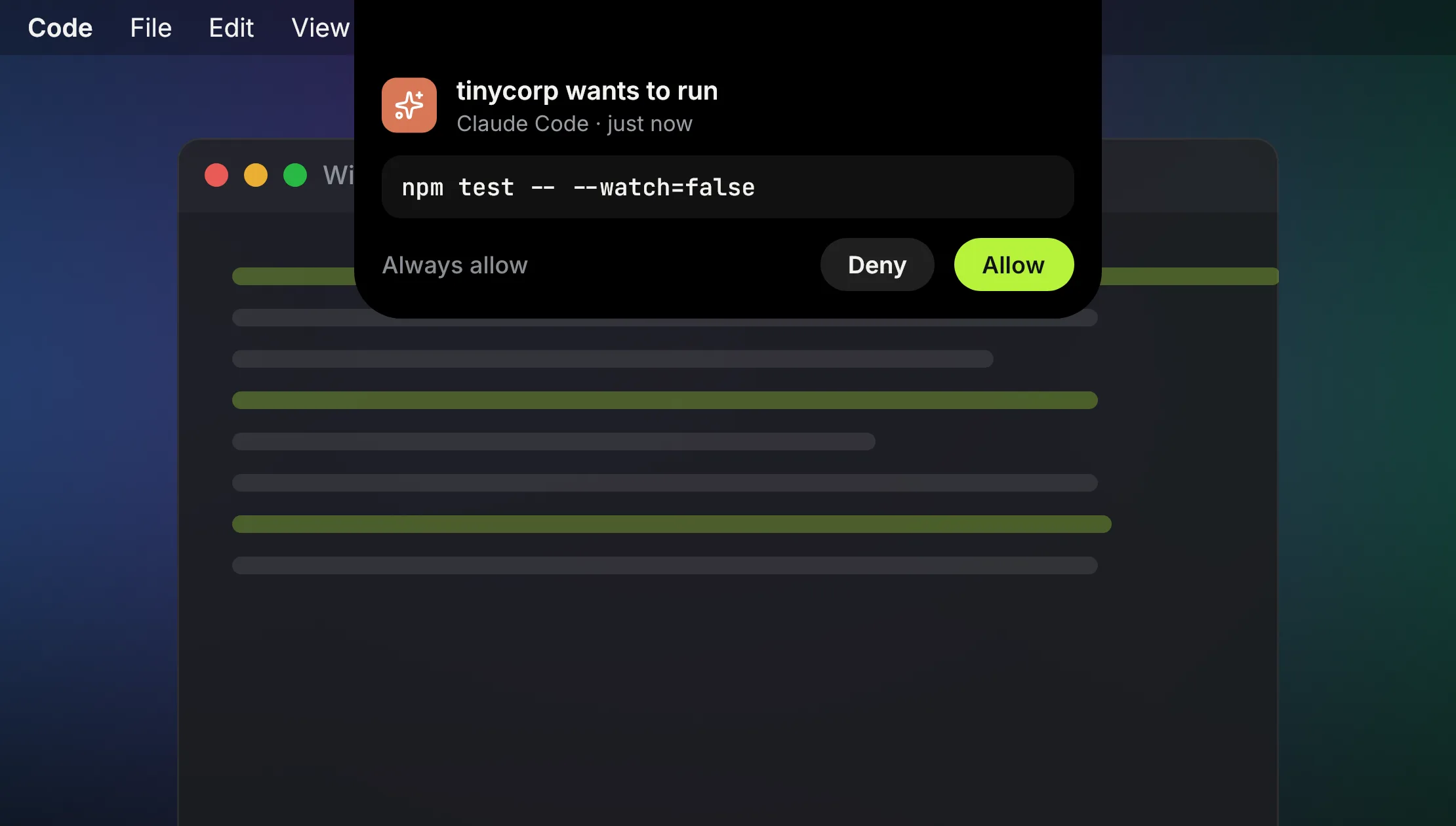
Claude Code asks, you answer in the island: Allow, Always allow or Deny, without leaving what you're doing.
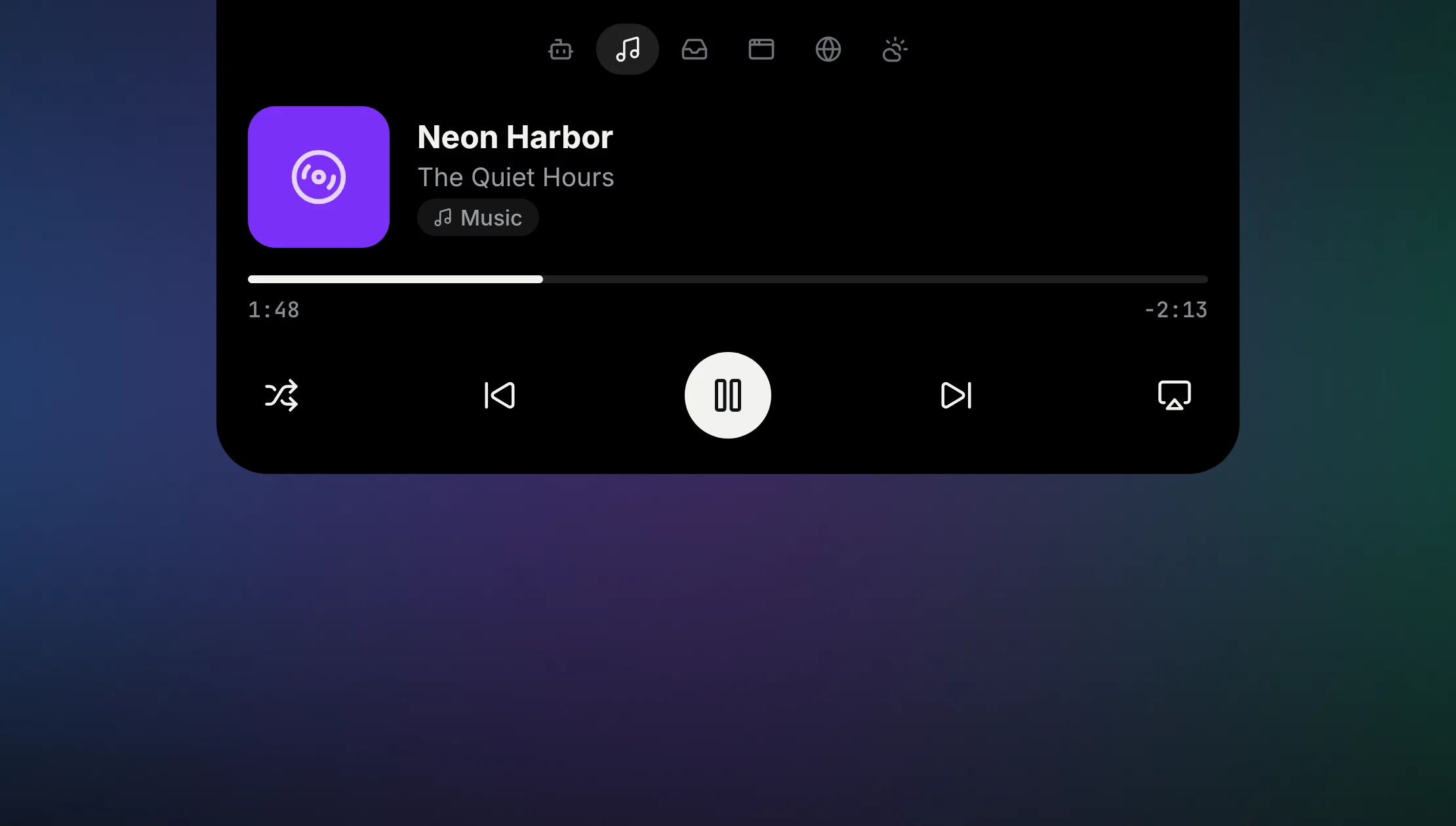
Whatever is playing, from any app: artwork, live bars, scrub, skip, shuffle and AirPlay.
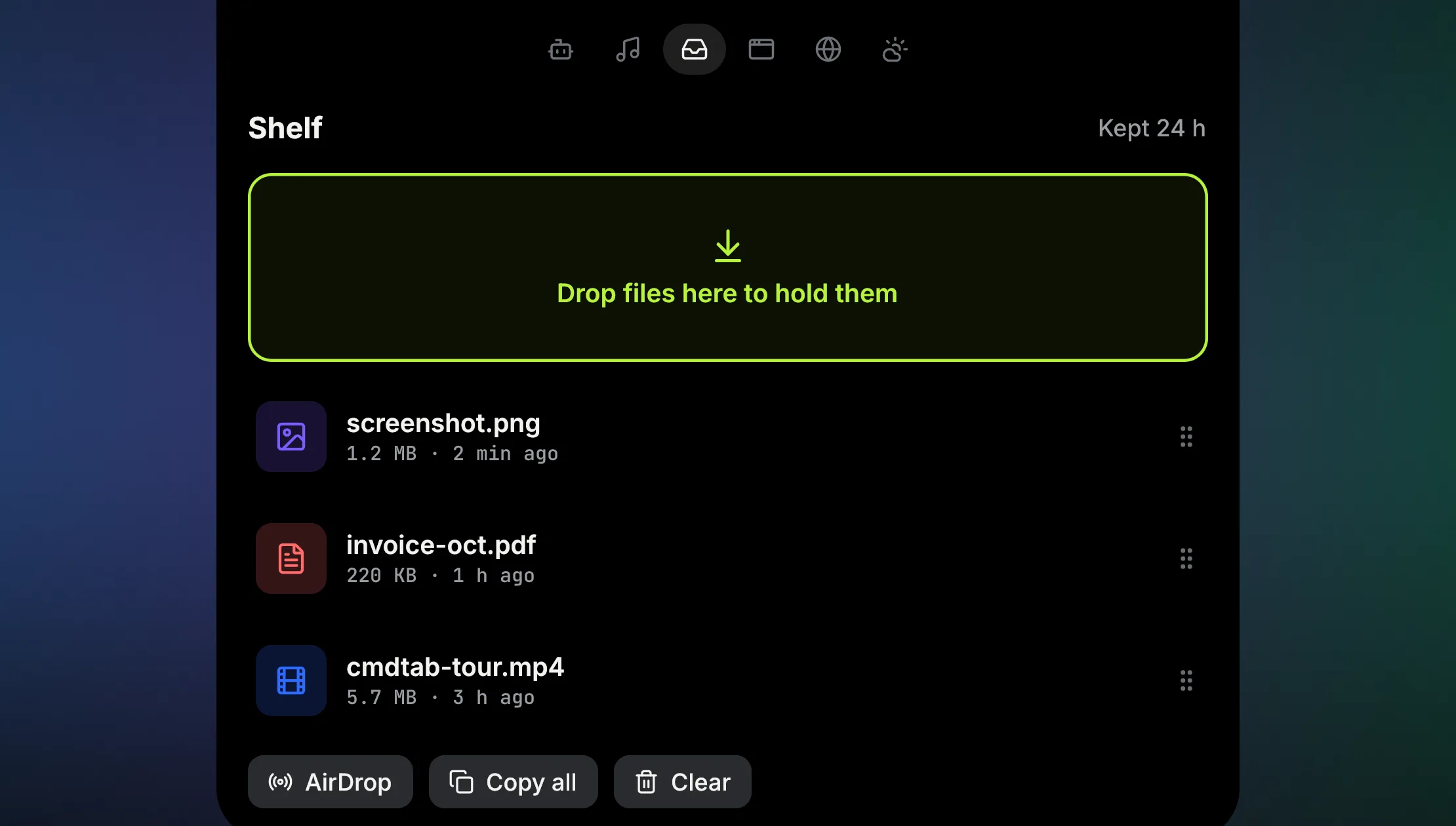
Drop files on the notch to hold them for a day. New downloads and screenshots land there too.
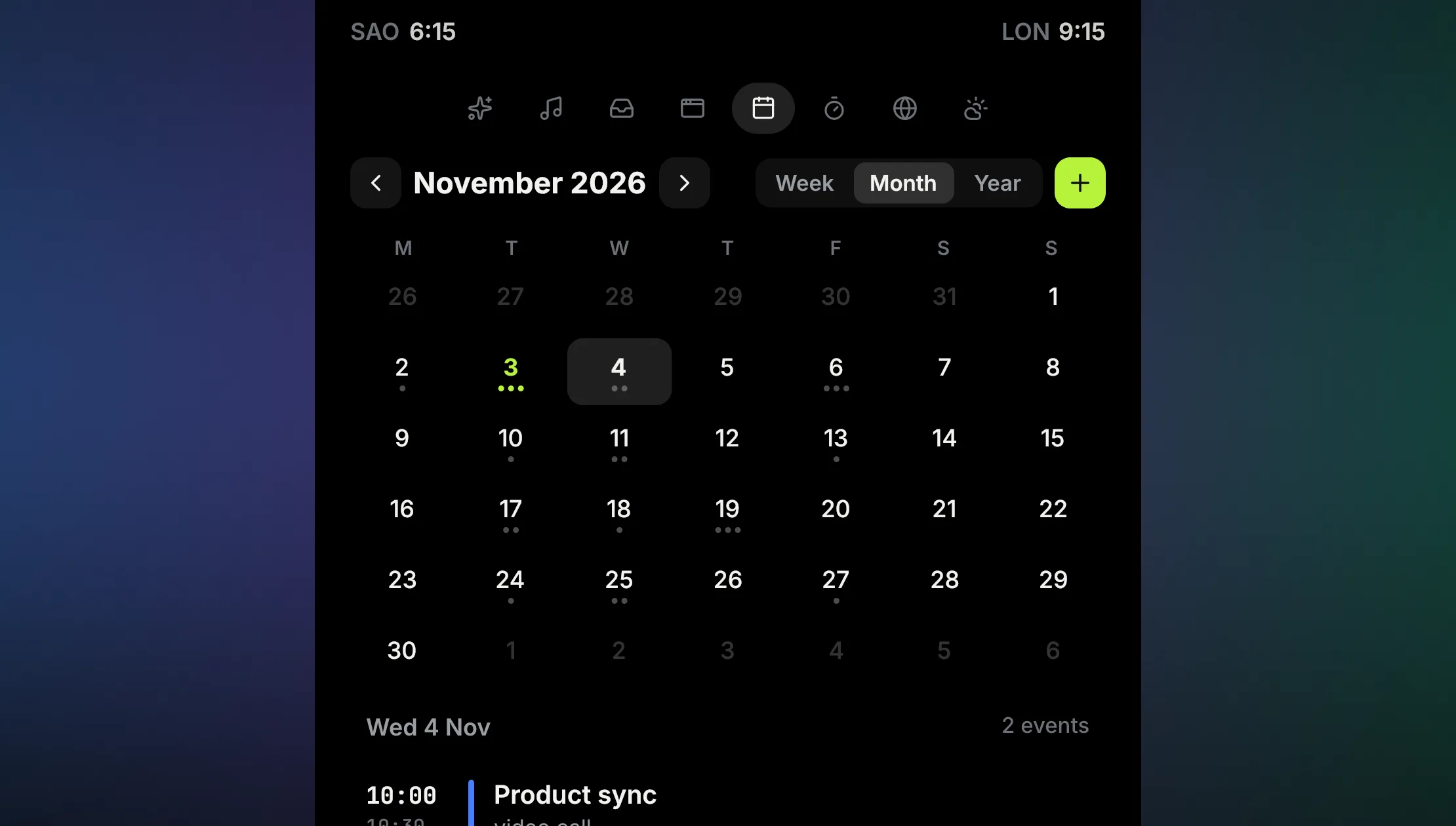
Your week, month or year, the day's events with Join for calls. Double-click a day to add an event: when it starts, ends or how long it lasts.
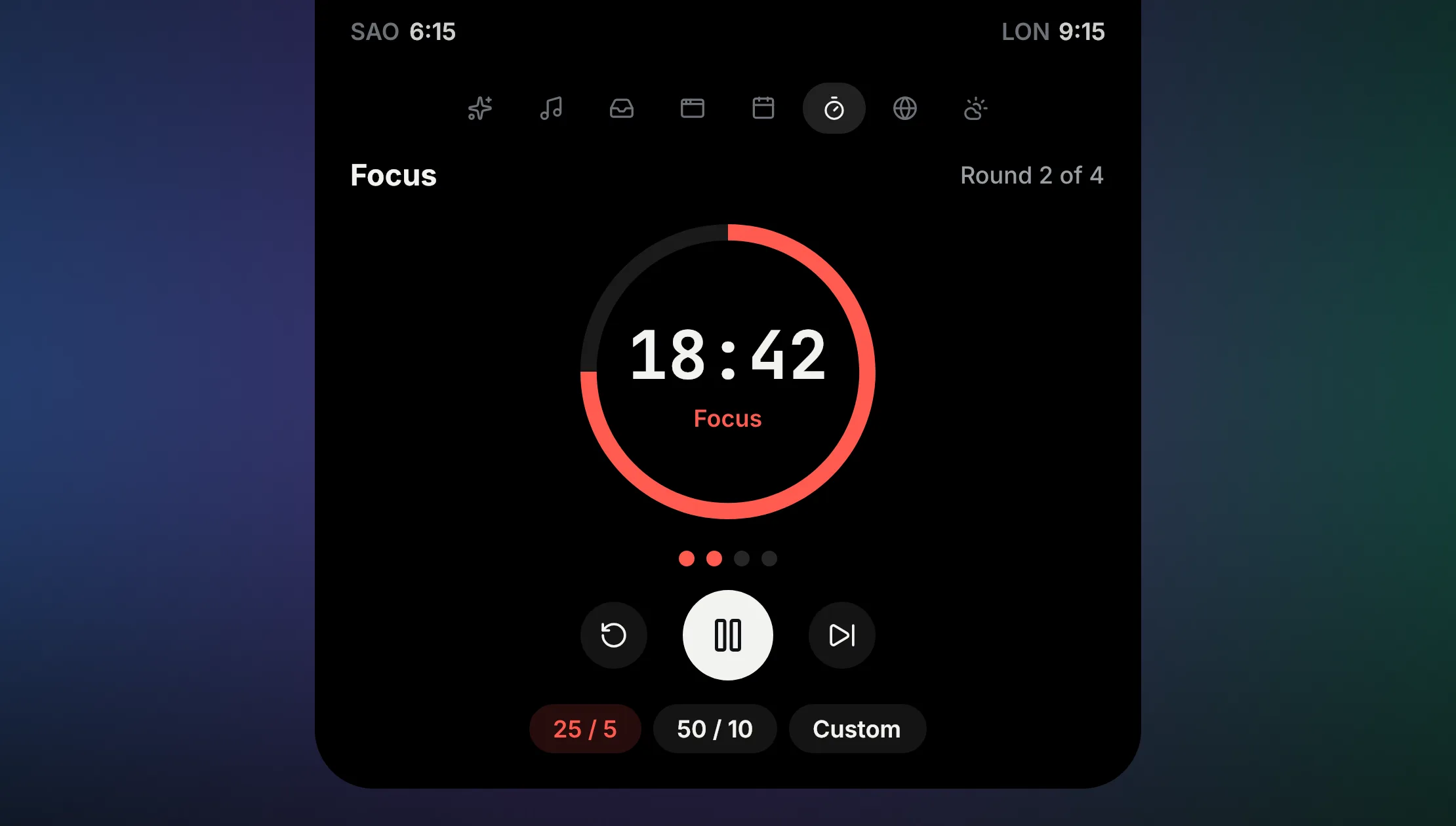
Pomodoro rounds in the notch: focus, break, four to a set, with the time left at a glance.
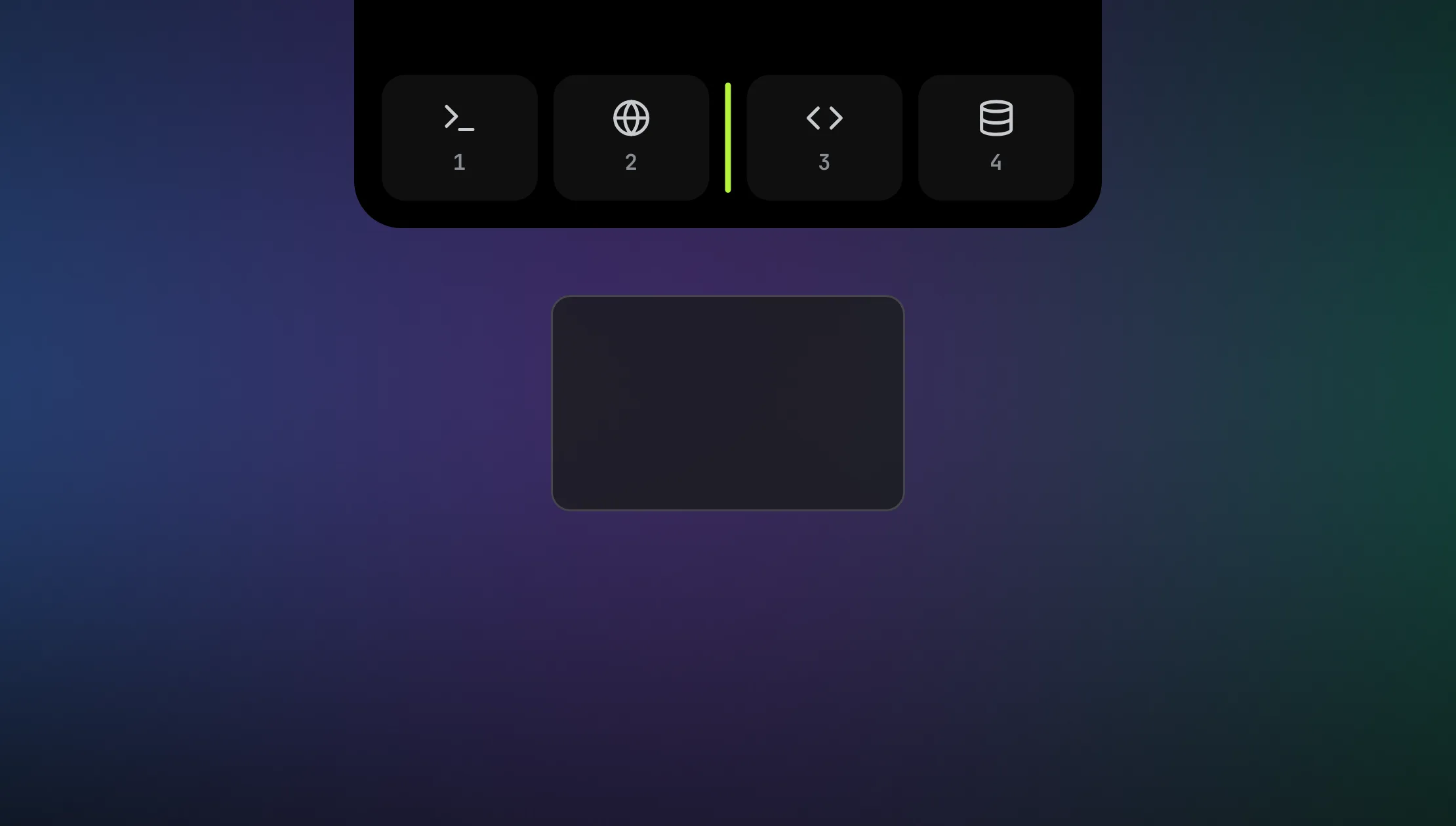
With Tiling on, the island shows your columns: let go between two to move the window, on one to stack it. Without it, pick a half, fill or centre.
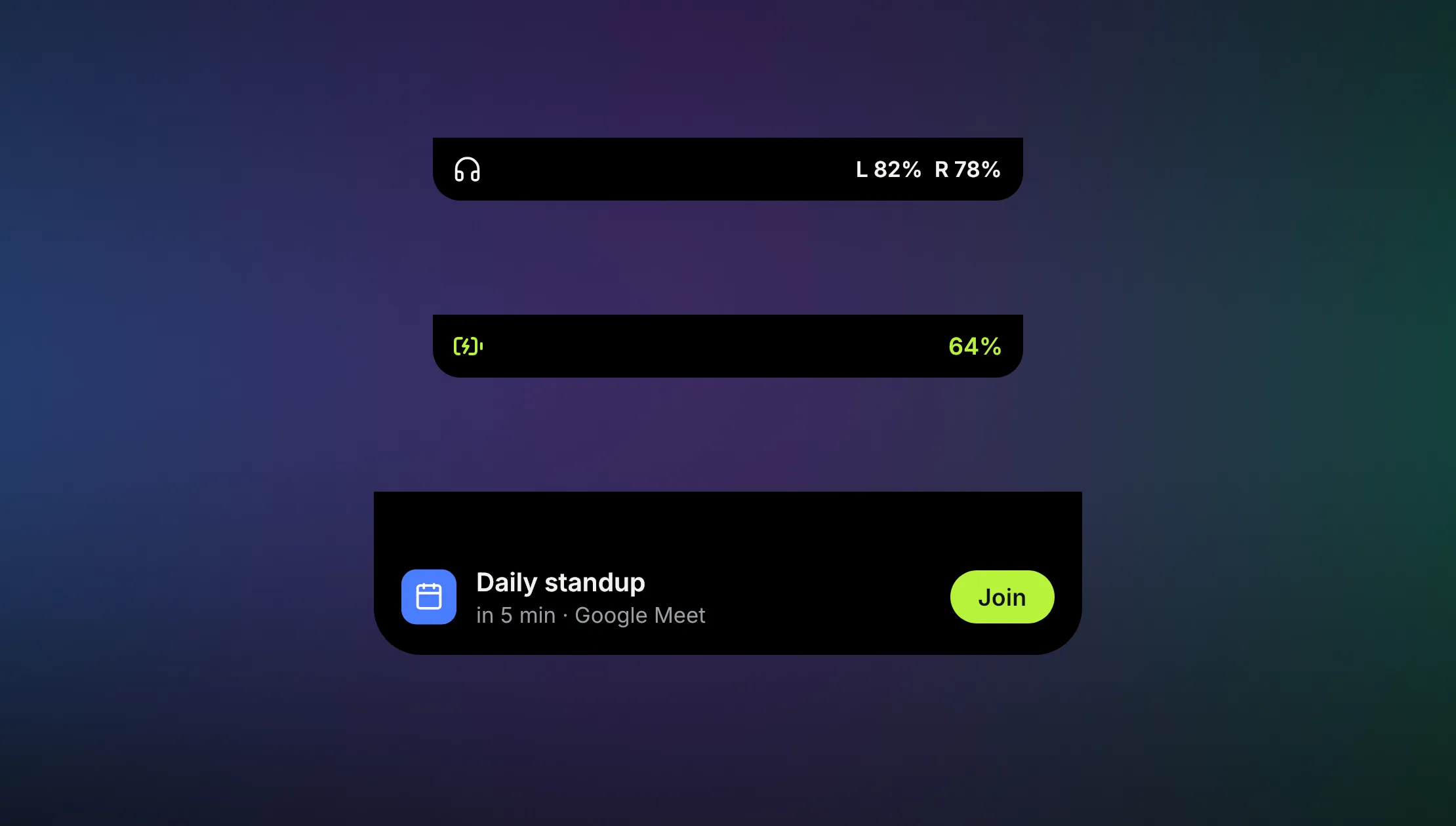
A few seconds in the notch when headphones connect, the charger goes in, or a meeting is five minutes away.
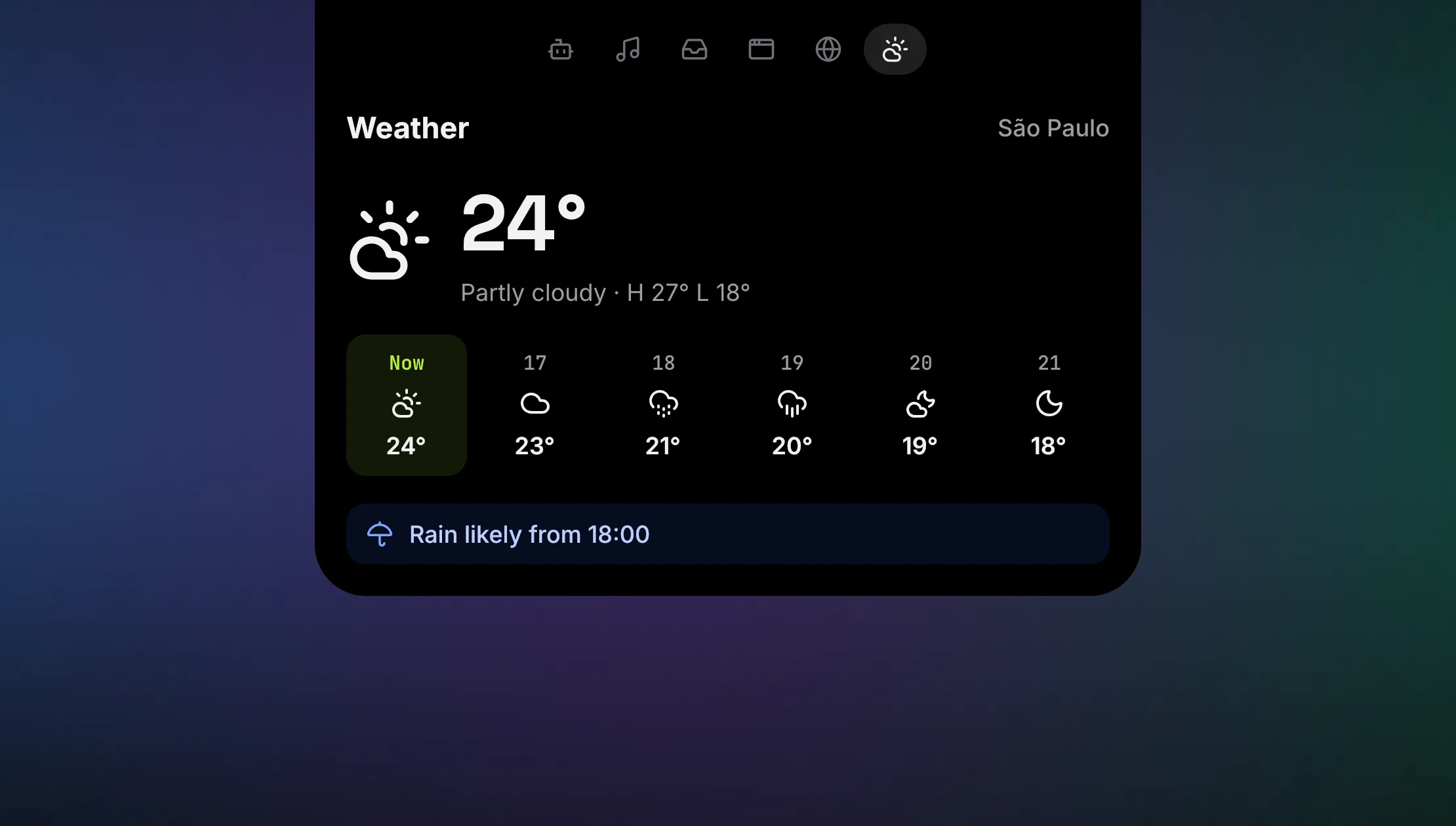
Two cities beside the notch when it opens, the rest in a tab. Your city's weather, with only its name sent to Open-Meteo.
CmdTab needs Accessibility and nothing else to switch. When you're not using it, it isn't doing anything. Island modules ask for their own access only when you turn them on.
CPU while idle. CmdTab waits for ⌘⇥ and does nothing in between.
Analytics and telemetry. Nothing about you or your Mac is collected.
Optional update check a day. Turn it off in About.
Signature on every auto update, checked before it installs.
Free & open source · macOS 14+ · Signed & notarized